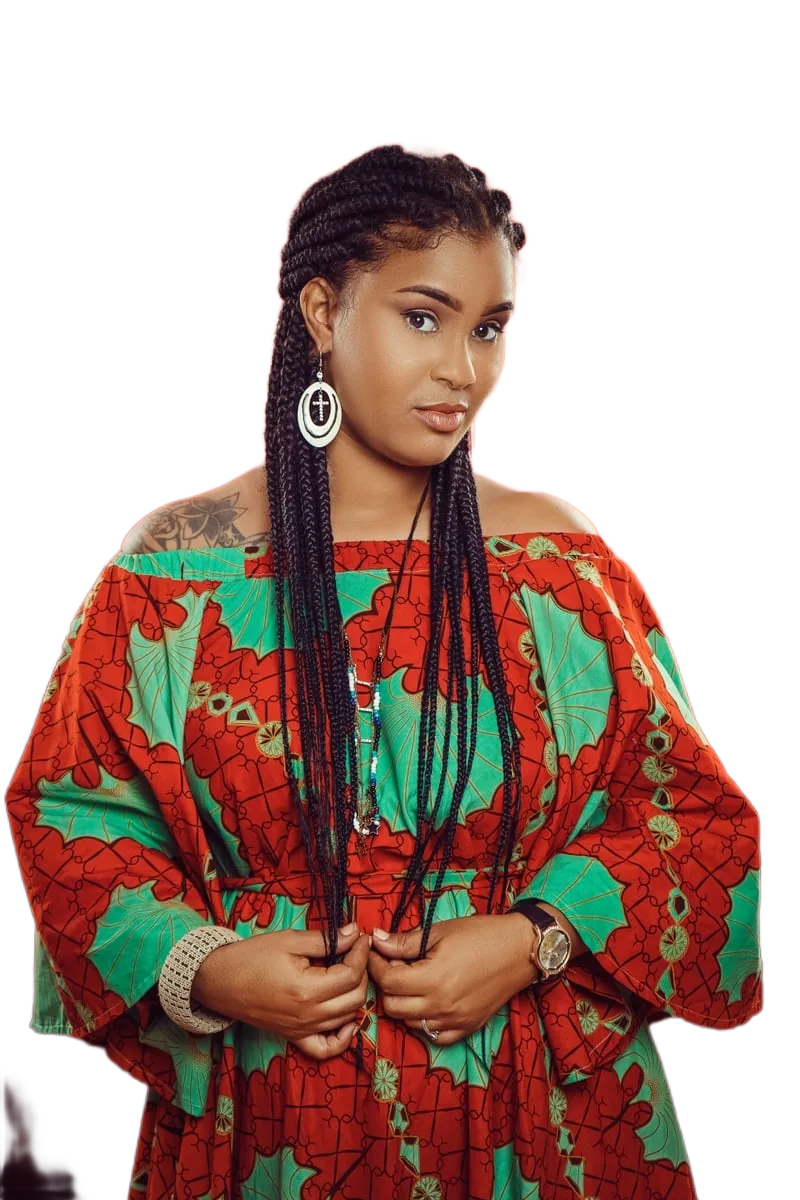
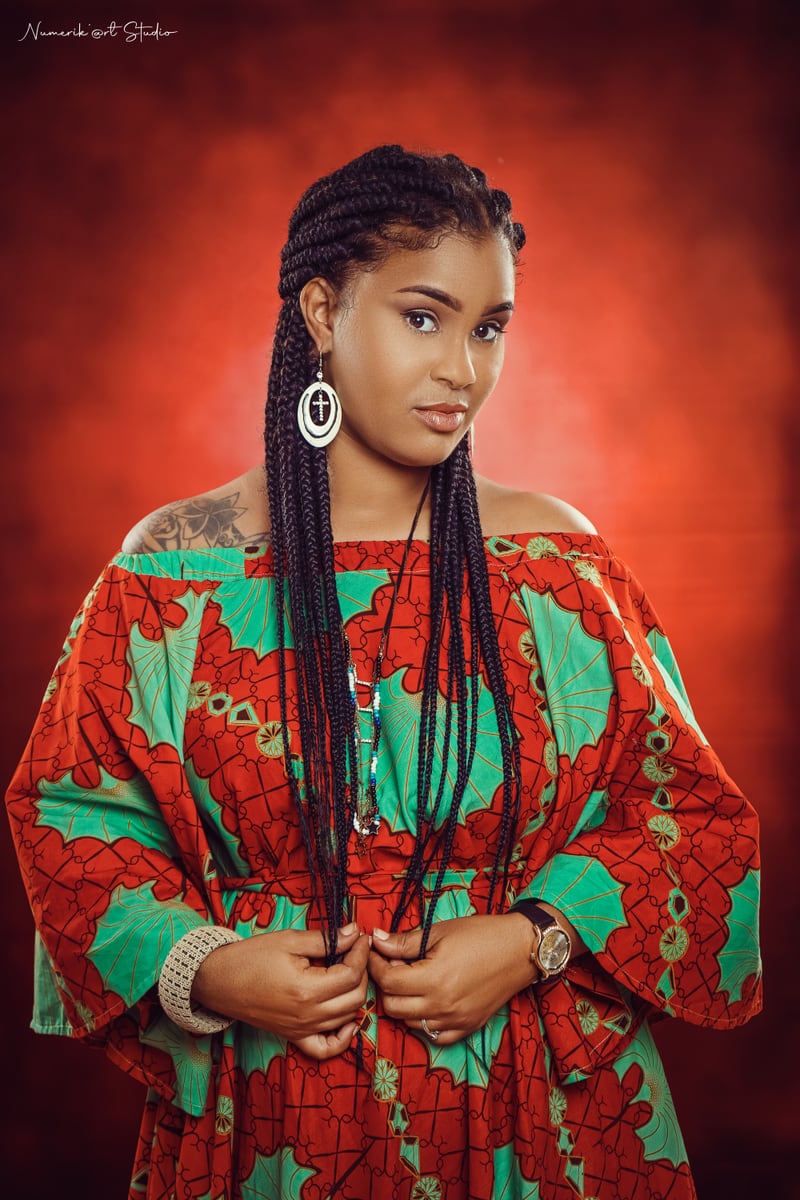
去除背景
将图片拖到这里
或点击选择文件,或使用 Ctrl+V 粘贴
JPG、PNG、WebP、AVIF · 最大 25 兆像素
处理在您的浏览器内完成。图片不会上传到我们的服务器。
如何验证:打开浏览器开发者工具,在去背景时查看网络面板,不会有任何请求包含您的图片。
如何验证:打开浏览器开发者工具,在去背景时查看网络面板,不会有任何请求包含您的图片。没有每日限制,也不需要账号。唯一的限制来自您的设备:每张图片最大 25 兆像素,较大的文件需要更多内存。
使用方法
三个步骤,无需账号,无需上传。
-
1. 添加图片
拖放文件、从设备中选择,或直接从剪贴板粘贴。支持 JPG、PNG、WebP 和 AVIF。
-
2. AI 在您的设备上运行
去背景模型在浏览器中本地运行:可用时使用 WebGPU,否则使用 WebAssembly。图片永远不会发送到服务器,因此不会在任何地方被存储或查看。
-
3. 预览并下载
左右或上下对比处理前后,放大检查边缘,选择透明或纯色背景,然后下载原分辨率的 PNG、JPG 或 WebP。
首次使用时,浏览器会一次性下载 AI 模型(约 45 MB)并缓存在本地。之后它会立即加载,并且可以离线使用。
这个工具擅长什么,不擅长什么
去背景不是魔法。以下是可以预期的结果的诚实说明。
效果良好
人物、证件照与头像、纯色或复杂背景下的商品图、宠物,以及边缘清晰的物体。通常无需手工修图即可使用。
困难情况
极细的发丝、毛发、运动模糊、玻璃、薄纱等半透明物体。模型往往把透明物体处理成完全不透明或完全消失。依赖结果之前请检查边缘。
设备限制
每张图片最大 25 兆像素。较大的文件可能需要超过浏览器标签页可用内存的容量,此时工具会建议您换用更小的图片。处理时间视硬件而定,约 1 到 8 秒。
无需账号,没有配额
没有每日限制、没有额度、也不需要注册,因为处理在您自己的硬件上完成,而不是在我们需要付费的服务器上。
常见问题
简短回答,包括各项限制。
这个去背景工具免费吗?
是的。去除背景并以原分辨率下载结果都是免费的。没有价格页面、没有额度、没有账号,也没有水印。
我的图片会被上传到服务器吗?
不会。模型在您的浏览器中运行,因此图片不会传输给我们。您可以自行验证:打开开发者工具,查看网络面板,不会有任何请求包含您的图片。断开网络后该工具仍可继续使用。
如何去除商品图的背景?
上传商品图,等待抠图完成,然后将背景设为白色并下载 JPG 或 PNG。纯色和复杂背景都可以,但光线均匀时效果最干净。
可以用于头像和社交媒体图片吗?
可以。选择透明背景可获得可叠加到任何颜色上的 PNG;选择白色、黑色或浅灰色则可直接发布为 JPG 或 WebP。
不用安装任何东西就能在浏览器中使用吗?
可以。无需安装,也无需创建账号。需要支持 WebAssembly 的现代浏览器,在支持 WebGPU 的浏览器中会更快,因为它使用 GPU 加速而不是 CPU。
输出的图片背景是透明的吗?
默认是透明的 PNG。您也可以切换到白色、黑色或浅灰色背景,这对要求纯色背景的电商平台很有用。
如何下载处理后的图片?
使用预览下方的“下载图片”按钮。文件在您的浏览器中生成并由浏览器保存,不会从任何服务器获取。
图片质量会降低吗?
抠图按原图分辨率生成,下载也保持该分辨率,因此不会被缩小。边缘质量取决于主体:细发丝、毛发和透明物体比实体和人物更难处理。
A background remover that runs in your browser
This is an online background remover that runs entirely inside your web browser. Instead of sending your photo to a server, a background-removal model is downloaded once to your device and then executed locally using WebGPU where available, or WebAssembly on older hardware. That single architectural choice is what makes the rest of the promises possible: no account, no daily limits, no watermark, and no place for your image to be stored, logged or reviewed.
The tool accepts JPG, PNG, WebP and AVIF images and returns a transparent-background PNG at the full resolution of your original, or a flattened JPG or WebP if you would rather have a solid background.
What people use it for
Product photos are the most common use case. If you sell on a marketplace, handmade store or social shop, listing images usually need a clean, plain background. Upload a photo, let the model isolate the product, choose white, and download an image that is ready to attach to a listing — without a subscription and without a per-image credit.
Profile pictures are the second: LinkedIn, work chat, forums and email. A transparent cutout lets you place yourself on any colour, and a light grey or white background gives a tidy passport-style result. Logos and graphics also work well, because flat artwork has hard edges that segmentation models handle reliably. Finally, social media assets — thumbnails, story backgrounds, collages and stickers — all benefit from a cutout you can layer over anything.
Privacy-first, browser-native processing
Most online image tools work by uploading your file to a server, processing it there, and returning a result. That means your photo leaves your device, travels over the network, sits in temporary storage on hardware you do not control, and is subject to a retention policy you have to take on trust.
This tool does not work that way. Your image is decoded, processed and re-encoded inside the browser tab, and the only network traffic is the one-time download of the model and runtime files on your first visit. There is no upload request, because there is no server endpoint that accepts images. You do not have to trust a privacy policy: you can open your browser developer tools, watch the Network panel while removing a background, and confirm that no request contains your photo. Even better, the tool continues to work with the internet disconnected.
Simple, fast and available in your language
The interface is deliberately small. Add an image, compare before and after, choose a background, download. A compare control lets you switch between a side-by-side and a stacked layout and zoom in to inspect hair and edges before committing, because that is where background removal usually shows its flaws.
The interface is available in eleven languages — English, Spanish, Portuguese, German, French, Hindi, Japanese, Korean, Simplified Chinese, Italian and Russian — so you can work in the language you are most comfortable reading.
Getting the best results
Background removal quality depends far more on the photo than on the tool. Even, diffused lighting produces cleaner edges than harsh shadows. A subject that contrasts with its background is easier to isolate than a white shirt against a white wall. Sharp focus helps, and small images with fine detail lose fidelity faster than larger ones. When a result is imperfect, check it at 100% zoom before you publish it, and remember that transparent objects and very fine hair remain genuinely difficult for every segmentation model.