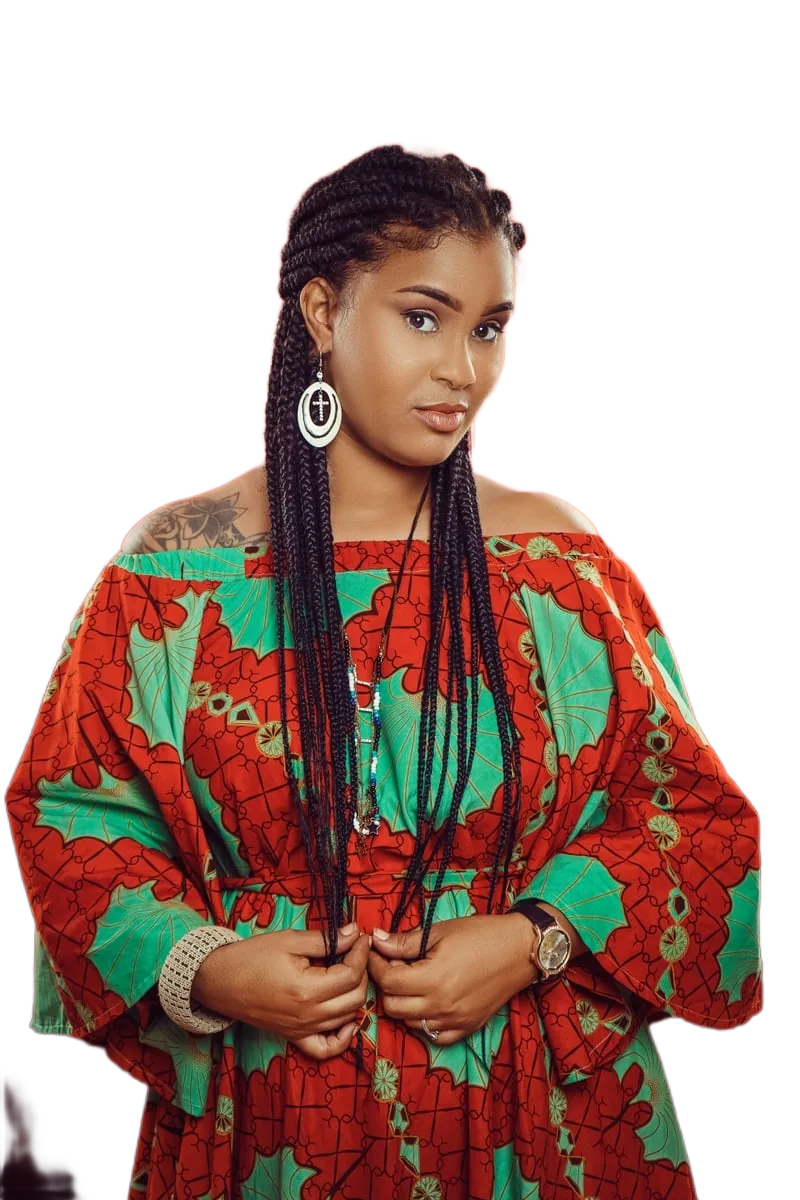
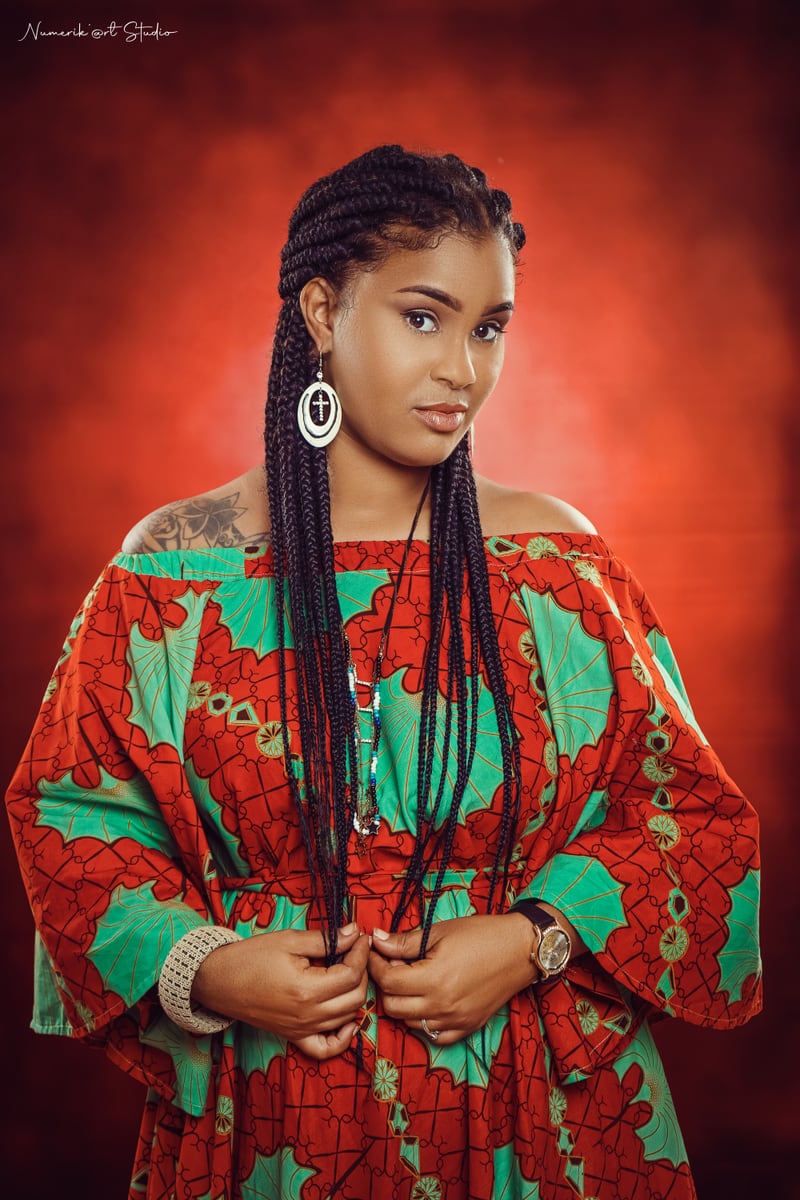
背景を透過
ここに画像をドロップ
またはクリックして選択、Ctrl+Vで貼り付け
JPG・PNG・WebP・AVIF · 最大25メガピクセル
処理はブラウザ内で行われます。画像が当社のサーバーに送信されることはありません。
確認方法:開発者ツールを開き、背景を透過している間のネットワークタブを見てください。画像を含むリクエストは1件もありません。
確認方法:開発者ツールを開き、背景を透過している間のネットワークタブを見てください。画像を含むリクエストは1件もありません。1日の上限もアカウントもありません。制限となるのは端末の性能だけです:1枚あたり最大25メガピクセル、大きなファイルにはより多くのメモリが必要です。
使い方
3ステップ。アカウント不要、アップロード不要。
-
1. 画像を追加
ファイルをドラッグ&ドロップするか、端末から選択するか、クリップボードから貼り付けてください。JPG・PNG・WebP・AVIFに対応しています。
-
2. AIは端末上で動作します
背景除去モデルはブラウザ内でローカルに実行されます。WebGPUが利用できればGPUで、そうでなければWebAssemblyで動作します。画像がサーバーに送信されることはないため、どこにも保存されず、閲覧もされません。
-
3. 確認してダウンロード
処理前と処理後を左右または上下で比較し、拡大して輪郭を確認し、透明または単色の背景を選んで、フル解像度のPNG・JPG・WebPをダウンロードできます。
初回のみ、ブラウザがAIモデルを一度だけダウンロードし(約45MB)、ローカルにキャッシュします。以降はすぐに読み込まれ、オフラインでも動作します。
このツールが得意なこと、苦手なこと
背景除去は魔法ではありません。期待できる結果を正直に説明します。
得意
人物、プロフィール写真、単色または複雑な背景の商品写真、ペット、輪郭がはっきりした物体。多くの場合、手作業なしでそのまま使えます。
苦手なケース
極細の髪、動物の毛、手ぶれ、ガラス、ベールなどの半透明の物体。モデルは透明なものを、完全に不透明にするか完全に見えなくするかのどちらかにしがちです。結果を信頼する前に輪郭を確認してください。
端末の制限
1枚あたり最大25メガピクセル。大きなファイルはブラウザタブに割り当てられる以上のメモリを必要とすることがあり、その場合は小さい画像を求めるメッセージが表示されます。処理時間はハードウェアによりますが約1〜8秒です。
アカウント不要、上限なし
1日の上限も、クレジットも、登録もありません。処理はお使いのハードウェアで行われ、当社が費用を負担するサーバーを使わないためです。
よくある質問
制限事項も含めた簡潔な回答です。
この背景透過ツールは無料ですか?
はい。背景の透過もフル解像度でのダウンロードも無料です。料金ページ、クレジット、アカウント、透かしは一切ありません。
画像はサーバーにアップロードされますか?
いいえ。モデルはブラウザ内で動作するため、画像が当社に送信されることはありません。ご自身で確認できます:開発者ツールを開き、ネットワークタブを見れば、画像を含むリクエストはありません。インターネットを切断しても動作し続けます。
商品写真の背景を透過するには?
写真をアップロードし、切り抜きを待ってから背景に「白」を選び、JPGまたはPNGをダウンロードしてください。単色でも複雑な背景でも動作しますが、均一な照明ほどきれいに仕上がります。
プロフィール写真やSNS投稿にも使えますか?
はい。透明を選べばどんな色の上にも置けるPNGが得られ、白・黒・ライトグレーを選べばすぐに投稿できるJPGまたはWebPが得られます。
インストールなしでブラウザで使えますか?
はい。インストールするものも、作成するアカウントもありません。WebAssembly対応のモダンブラウザが必要で、WebGPU対応ブラウザではGPUアクセラレーションにより高速になります。
出力画像の背景は透明になりますか?
既定では透明なPNGが得られます。白・黒・ライトグレーの背景に切り替えることもでき、単色背景が必須のマーケットプレイスで便利です。
処理した画像はどうやってダウンロードしますか?
プレビュー下の「画像をダウンロード」ボタンを使ってください。ファイルはブラウザ内で生成され、ブラウザが保存します。サーバーから取得するものはありません。
画質は落ちますか?
切り抜きは元画像の解像度で生成され、ダウンロードもその解像度を保つため縮小されません。輪郭の品質は被写体によります:細い髪、動物の毛、透明な物体は、固形物や人物より難しくなります。
A background remover that runs in your browser
This is an online background remover that runs entirely inside your web browser. Instead of sending your photo to a server, a background-removal model is downloaded once to your device and then executed locally using WebGPU where available, or WebAssembly on older hardware. That single architectural choice is what makes the rest of the promises possible: no account, no daily limits, no watermark, and no place for your image to be stored, logged or reviewed.
The tool accepts JPG, PNG, WebP and AVIF images and returns a transparent-background PNG at the full resolution of your original, or a flattened JPG or WebP if you would rather have a solid background.
What people use it for
Product photos are the most common use case. If you sell on a marketplace, handmade store or social shop, listing images usually need a clean, plain background. Upload a photo, let the model isolate the product, choose white, and download an image that is ready to attach to a listing — without a subscription and without a per-image credit.
Profile pictures are the second: LinkedIn, work chat, forums and email. A transparent cutout lets you place yourself on any colour, and a light grey or white background gives a tidy passport-style result. Logos and graphics also work well, because flat artwork has hard edges that segmentation models handle reliably. Finally, social media assets — thumbnails, story backgrounds, collages and stickers — all benefit from a cutout you can layer over anything.
Privacy-first, browser-native processing
Most online image tools work by uploading your file to a server, processing it there, and returning a result. That means your photo leaves your device, travels over the network, sits in temporary storage on hardware you do not control, and is subject to a retention policy you have to take on trust.
This tool does not work that way. Your image is decoded, processed and re-encoded inside the browser tab, and the only network traffic is the one-time download of the model and runtime files on your first visit. There is no upload request, because there is no server endpoint that accepts images. You do not have to trust a privacy policy: you can open your browser developer tools, watch the Network panel while removing a background, and confirm that no request contains your photo. Even better, the tool continues to work with the internet disconnected.
Simple, fast and available in your language
The interface is deliberately small. Add an image, compare before and after, choose a background, download. A compare control lets you switch between a side-by-side and a stacked layout and zoom in to inspect hair and edges before committing, because that is where background removal usually shows its flaws.
The interface is available in eleven languages — English, Spanish, Portuguese, German, French, Hindi, Japanese, Korean, Simplified Chinese, Italian and Russian — so you can work in the language you are most comfortable reading.
Getting the best results
Background removal quality depends far more on the photo than on the tool. Even, diffused lighting produces cleaner edges than harsh shadows. A subject that contrasts with its background is easier to isolate than a white shirt against a white wall. Sharp focus helps, and small images with fine detail lose fidelity faster than larger ones. When a result is imperfect, check it at 100% zoom before you publish it, and remember that transparent objects and very fine hair remain genuinely difficult for every segmentation model.