आपके डिवाइस पर चलता है। कुछ भी अपलोड नहीं होता।
ब्राउज़र में तुरंत इमेज का बैकग्राउंड हटाएँ
फ़ोटो डालें और कुछ ही सेकंड में पारदर्शी बैकग्राउंड वाली इमेज पाएँ। AI आपके डिवाइस पर WebGPU या WebAssembly से चलता है, इसलिए आपकी तस्वीरें कभी बाहर नहीं जातीं। कोई अकाउंट नहीं, कोई वॉटरमार्क नहीं, पूरी रिज़ॉल्यूशन, और मुफ़्त।
- तस्वीरें आपके डिवाइस पर ही रहती हैं
- कोई साइनअप या ईमेल नहीं
- कोई वॉटरमार्क नहीं
- पूरी रिज़ॉल्यूशन में डाउनलोड, मुफ़्त
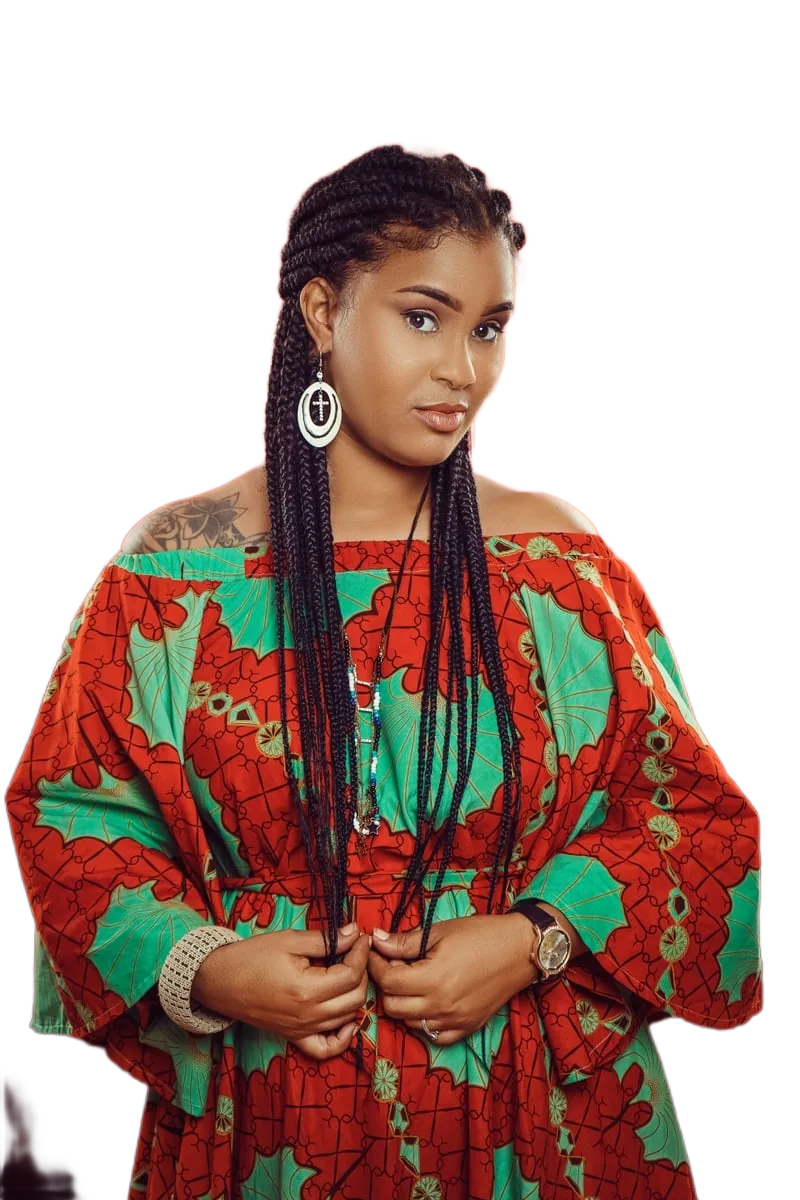
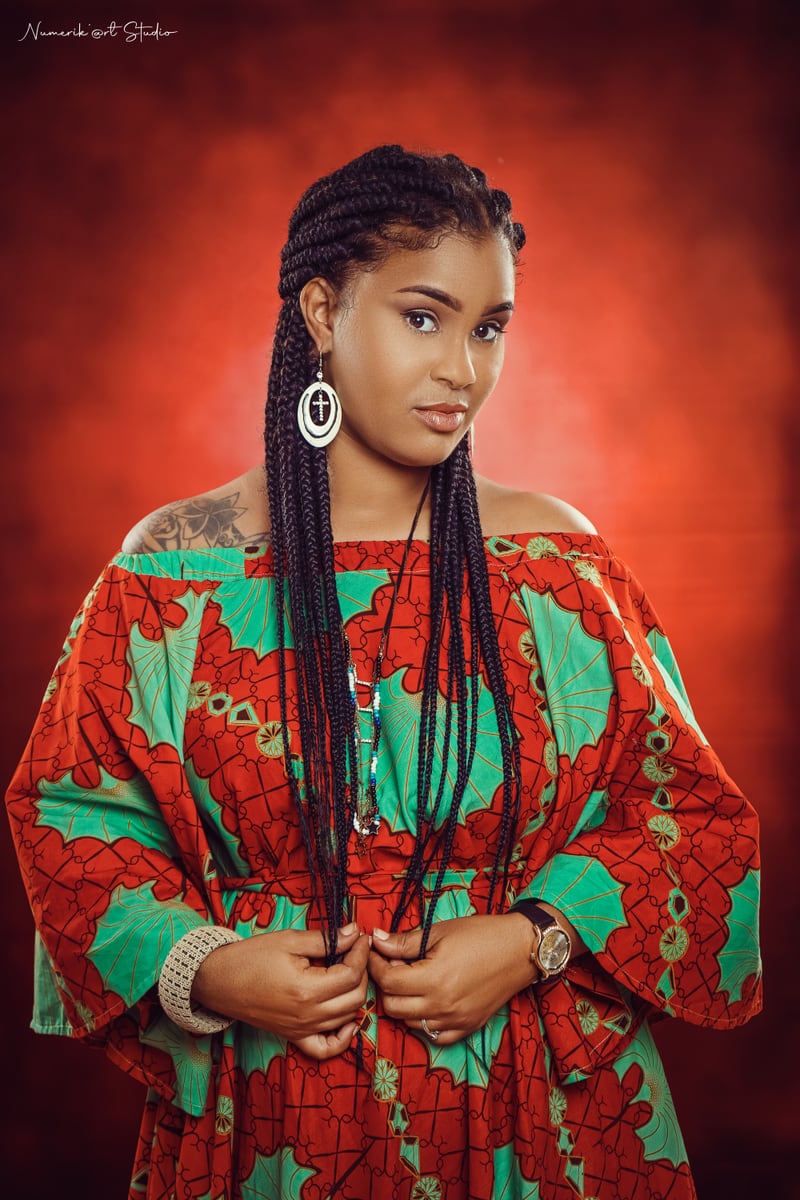
Photo: Adande Joshua · CC0
बैकग्राउंड हटाएँ
यहाँ इमेज डालें
या चुनने के लिए क्लिक करें, या Ctrl+V से पेस्ट करें
JPG, PNG, WebP और AVIF · 25 मेगापिक्सेल तक
प्रोसेसिंग आपके ब्राउज़र में होती है। आपकी इमेज हमारे सर्वर पर कभी अपलोड नहीं होती।
जाँच का तरीका
जाँच का तरीका: डेवलपर टूल्स खोलें, बैकग्राउंड हटाते समय Network टैब देखें — किसी भी रिक्वेस्ट में आपकी इमेज नहीं होगी।कोई दैनिक सीमा नहीं और कोई अकाउंट नहीं। सीमाएँ केवल आपके डिवाइस की हैं: प्रति इमेज 25 मेगापिक्सेल तक, और बड़ी फ़ाइलों के लिए ज़्यादा मेमोरी।
यह कैसे काम करता है
तीन चरण, कोई अकाउंट नहीं, कोई अपलोड नहीं।
-
1. अपनी इमेज जोड़ें
फ़ाइल ड्रैग करें, डिवाइस से चुनें, या सीधे क्लिपबोर्ड से पेस्ट करें। JPG, PNG, WebP और AVIF समर्थित हैं।
-
2. AI आपके डिवाइस पर चलता है
बैकग्राउंड हटाने वाला मॉडल आपके ब्राउज़र में लोकल रूप से चलता है — उपलब्ध हो तो WebGPU से, वरना WebAssembly से। आपकी इमेज कभी सर्वर पर नहीं भेजी जाती, इसलिए कहीं संग्रहित या देखी नहीं जाती।
-
3. प्रीव्यू देखें और डाउनलोड करें
पहले और बाद की तुलना साथ-साथ या ऊपर-नीचे करें, किनारों को जाँचने के लिए ज़ूम करें, पारदर्शी या ठोस बैकग्राउंड चुनें, फिर पूरी रिज़ॉल्यूशन में PNG, JPG या WebP डाउनलोड करें।
पहली बार ब्राउज़र AI मॉडल एक ही बार डाउनलोड करता है (लगभग 45 MB) और उसे कैश में रखता है। इसके बाद यह तुरंत लोड होता है और ऑफ़लाइन भी काम करता है।
यह टूल क्या अच्छा करता है और क्या नहीं
बैकग्राउंड हटाना जादू नहीं है। नतीजों के बारे में ईमानदार जानकारी यहाँ है।
अच्छा काम करता है
लोग, प्रोफ़ाइल तस्वीरें, सादे या व्यस्त बैकग्राउंड पर प्रोडक्ट फ़ोटो, पालतू जानवर, और साफ़ किनारों वाली वस्तुएँ। नतीजा आमतौर पर बिना एडिटिंग के इस्तेमाल योग्य होता है।
कठिन मामले
बहुत महीन बाल, रोम, मोशन ब्लर, काँच, घूँघट और अन्य पारभासी वस्तुएँ। मॉडल पारदर्शी चीज़ों को या तो पूरी तरह ठोस या पूरी तरह ग़ायब कर देता है। नतीजे पर भरोसा करने से पहले किनारे जाँचें।
डिवाइस की सीमाएँ
प्रति इमेज 25 मेगापिक्सेल तक। बड़ी फ़ाइलों को उतनी मेमोरी चाहिए जो ब्राउज़र टैब को न मिले, ऐसे में टूल छोटी इमेज माँग सकता है। हार्डवेयर के हिसाब से प्रोसेसिंग में लगभग एक से आठ सेकंड लगते हैं।
कोई अकाउंट नहीं, कोई कोटा नहीं
कोई दैनिक सीमा, क्रेडिट या साइनअप नहीं है, क्योंकि प्रोसेसिंग आपके हार्डवेयर पर होती है, किसी ऐसे सर्वर पर नहीं जिसका हमें भुगतान करना पड़े।
अक्सर पूछे जाने वाले सवाल
छोटे जवाब, सीमाओं के साथ।
क्या यह बैकग्राउंड रिमूवर मुफ़्त है?
हाँ। बैकग्राउंड हटाना और पूरी रिज़ॉल्यूशन में नतीजा डाउनलोड करना मुफ़्त है। कोई प्राइसिंग पेज, क्रेडिट, अकाउंट या वॉटरमार्क नहीं है।
क्या मेरी तस्वीरें सर्वर पर अपलोड होती हैं?
नहीं। मॉडल आपके ब्राउज़र में चलता है, इसलिए आपकी इमेज हमें कभी नहीं भेजी जाती। आप खुद जाँच सकते हैं: डेवलपर टूल्स खोलें, Network टैब देखें — किसी रिक्वेस्ट में इमेज नहीं मिलेगी। इंटरनेट बंद करने पर भी यह टूल चलता रहता है।
प्रोडक्ट फ़ोटो का बैकग्राउंड कैसे हटाऊँ?
फ़ोटो अपलोड करें, कटआउट का इंतज़ार करें, बैकग्राउंड में सफ़ेद चुनें और JPG या PNG डाउनलोड करें। सादे और व्यस्त दोनों बैकग्राउंड चलते हैं, पर एक जैसी रोशनी सबसे साफ़ नतीजा देती है।
प्रोफ़ाइल तस्वीर और सोशल मीडिया के लिए इस्तेमाल कर सकते हैं?
हाँ। पारदर्शी बैकग्राउंड चुनें तो PNG किसी भी रंग पर लगाया जा सकता है, या सफ़ेद, काला, हल्का ग्रे चुनें और तुरंत पोस्ट करने योग्य JPG या WebP पाएँ।
क्या यह कुछ इंस्टॉल किए बिना ब्राउज़र में चलता है?
हाँ। कुछ इंस्टॉल करने या अकाउंट बनाने की ज़रूरत नहीं। आधुनिक ब्राउज़र चाहिए जिसमें WebAssembly सपोर्ट हो, और WebGPU वाले ब्राउज़र में यह तेज़ चलता है क्योंकि GPU इस्तेमाल होता है।
क्या नतीजे का बैकग्राउंड पारदर्शी होगा?
डिफ़ॉल्ट रूप से हाँ — आपको पारदर्शी PNG मिलेगा। आप सफ़ेद, काला या हल्का ग्रे बैकग्राउंड भी चुन सकते हैं, जो सादा बैकग्राउंड माँगने वाले प्लेटफ़ॉर्म के लिए उपयोगी है।
प्रोसेस की गई इमेज कैसे डाउनलोड करें?
प्रीव्यू के नीचे दिए “इमेज डाउनलोड करें” बटन का इस्तेमाल करें। फ़ाइल आपके ब्राउज़र में बनती है और ब्राउज़र ही उसे सेव करता है; सर्वर से कुछ नहीं लाया जाता।
क्या इमेज क्वालिटी कम हो जाती है?
कटआउट आपकी मूल इमेज की रिज़ॉल्यूशन में बनता है और डाउनलोड वही रिज़ॉल्यूशन रखता है, इसलिए कोई कमी नहीं होती। किनारों की क्वालिटी विषय पर निर्भर है: महीन बाल, रोम और पारदर्शी वस्तुएँ ठोस वस्तुओं और लोगों से कठिन हैं।
A background remover that runs in your browser
This is an online background remover that runs entirely inside your web browser. Instead of sending your photo to a server, a background-removal model is downloaded once to your device and then executed locally using WebGPU where available, or WebAssembly on older hardware. That single architectural choice is what makes the rest of the promises possible: no account, no daily limits, no watermark, and no place for your image to be stored, logged or reviewed.
The tool accepts JPG, PNG, WebP and AVIF images and returns a transparent-background PNG at the full resolution of your original, or a flattened JPG or WebP if you would rather have a solid background.
What people use it for
Product photos are the most common use case. If you sell on a marketplace, handmade store or social shop, listing images usually need a clean, plain background. Upload a photo, let the model isolate the product, choose white, and download an image that is ready to attach to a listing — without a subscription and without a per-image credit.
Profile pictures are the second: LinkedIn, work chat, forums and email. A transparent cutout lets you place yourself on any colour, and a light grey or white background gives a tidy passport-style result. Logos and graphics also work well, because flat artwork has hard edges that segmentation models handle reliably. Finally, social media assets — thumbnails, story backgrounds, collages and stickers — all benefit from a cutout you can layer over anything.
Privacy-first, browser-native processing
Most online image tools work by uploading your file to a server, processing it there, and returning a result. That means your photo leaves your device, travels over the network, sits in temporary storage on hardware you do not control, and is subject to a retention policy you have to take on trust.
This tool does not work that way. Your image is decoded, processed and re-encoded inside the browser tab, and the only network traffic is the one-time download of the model and runtime files on your first visit. There is no upload request, because there is no server endpoint that accepts images. You do not have to trust a privacy policy: you can open your browser developer tools, watch the Network panel while removing a background, and confirm that no request contains your photo. Even better, the tool continues to work with the internet disconnected.
Simple, fast and available in your language
The interface is deliberately small. Add an image, compare before and after, choose a background, download. A compare control lets you switch between a side-by-side and a stacked layout and zoom in to inspect hair and edges before committing, because that is where background removal usually shows its flaws.
The interface is available in eleven languages — English, Spanish, Portuguese, German, French, Hindi, Japanese, Korean, Simplified Chinese, Italian and Russian — so you can work in the language you are most comfortable reading.
Getting the best results
Background removal quality depends far more on the photo than on the tool. Even, diffused lighting produces cleaner edges than harsh shadows. A subject that contrasts with its background is easier to isolate than a white shirt against a white wall. Sharp focus helps, and small images with fine detail lose fidelity faster than larger ones. When a result is imperfect, check it at 100% zoom before you publish it, and remember that transparent objects and very fine hair remain genuinely difficult for every segmentation model.