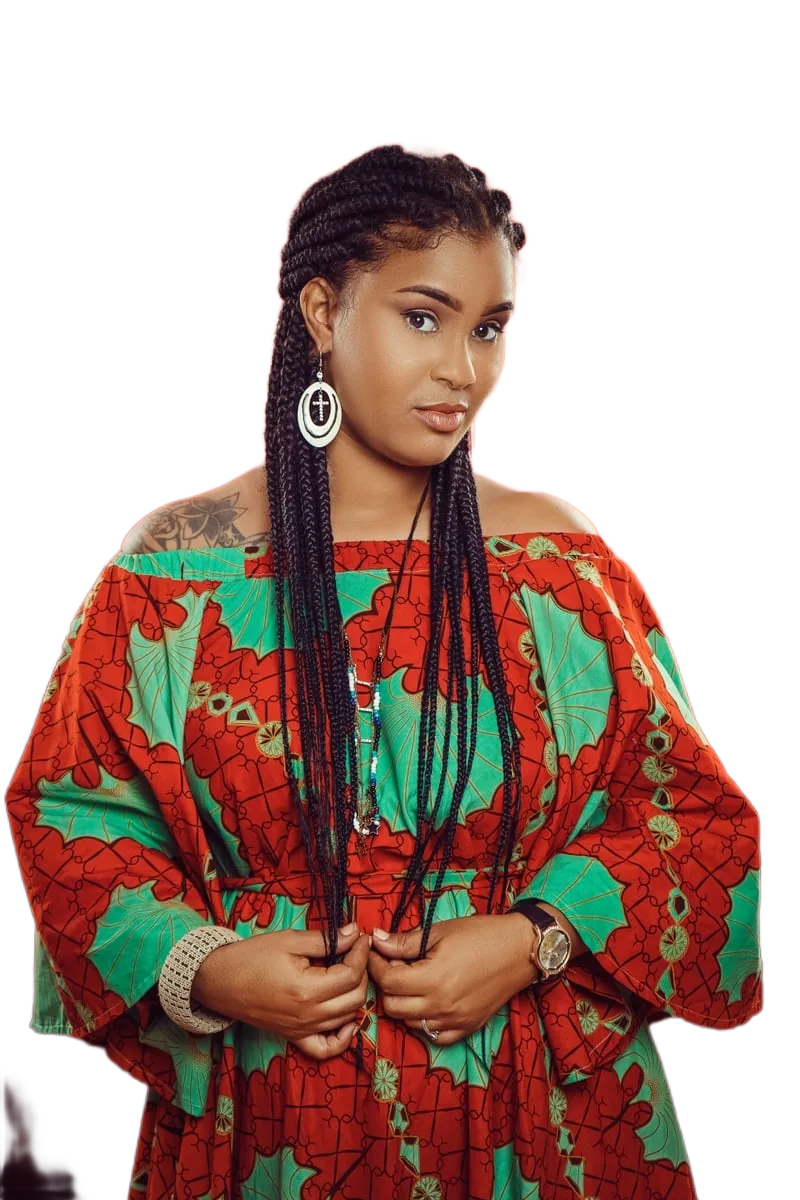
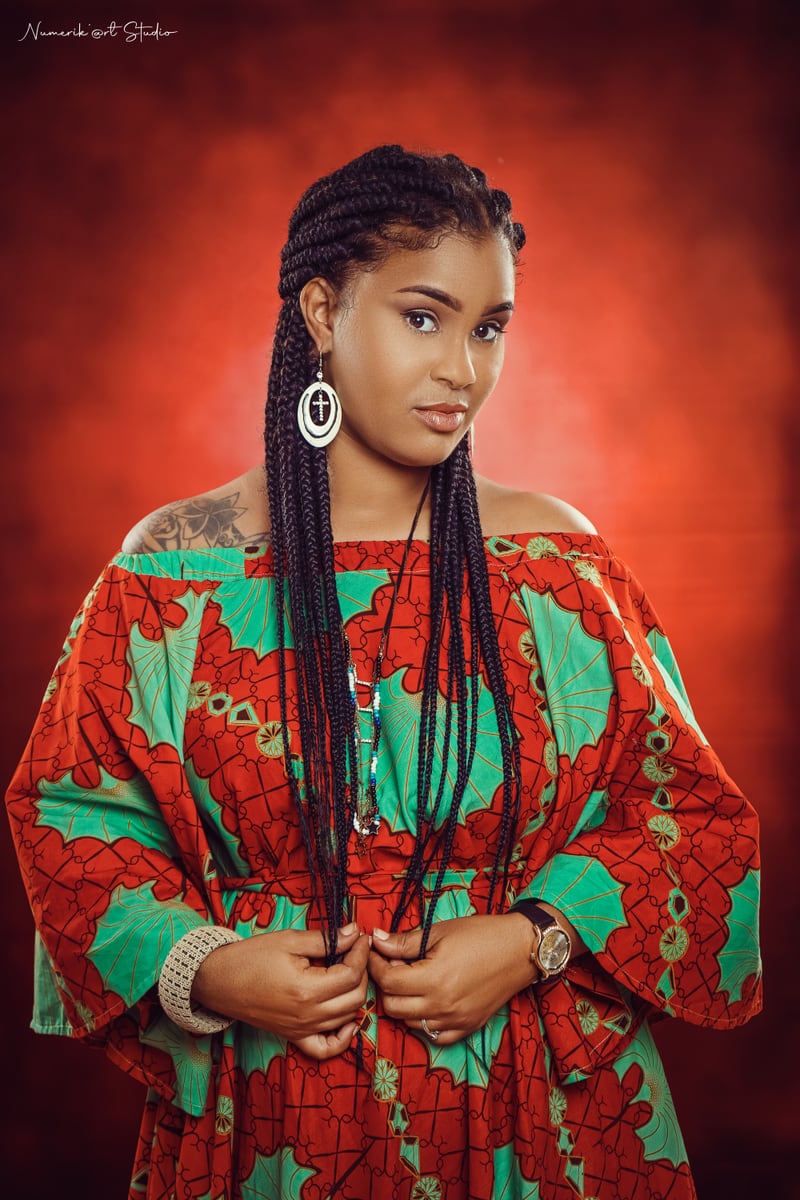
배경 제거
여기에 이미지를 놓으세요
또는 클릭하여 선택, Ctrl+V로 붙여넣기
JPG, PNG, WebP, AVIF · 최대 25메가픽셀
처리는 브라우저 안에서 이루어집니다. 이미지는 당사 서버로 업로드되지 않습니다.
확인 방법
확인 방법: 개발자 도구를 열고 배경을 제거하는 동안 네트워크 탭을 보세요. 이미지를 담은 요청은 하나도 없습니다.일일 한도와 계정이 없습니다. 유일한 제한은 기기 성능입니다: 이미지당 최대 25메가픽셀, 큰 파일에는 더 많은 메모리가 필요합니다.
사용 방법
세 단계, 계정 없음, 업로드 없음.
-
1. 이미지 추가
파일을 끌어다 놓거나 기기에서 선택하거나 클립보드에서 바로 붙여넣으세요. JPG, PNG, WebP, AVIF를 지원합니다.
-
2. AI가 기기에서 실행됩니다
배경 제거 모델은 브라우저에서 로컬로 실행되며, WebGPU를 쓸 수 있으면 GPU로, 아니면 WebAssembly로 동작합니다. 이미지는 서버로 전송되지 않으므로 어디에도 저장되거나 검토되지 않습니다.
-
3. 확인하고 다운로드
전후를 나란히 또는 위아래로 비교하고, 확대해 가장자리를 확인하고, 투명 또는 단색 배경을 고른 뒤 원본 해상도의 PNG, JPG, WebP를 다운로드하세요.
처음 사용할 때 브라우저가 AI 모델을 한 번만 내려받아(약 45MB) 로컬에 캐시합니다. 이후에는 즉시 로드되고 오프라인에서도 작동합니다.
이 도구가 잘하는 것과 못하는 것
배경 제거는 마법이 아닙니다. 기대할 수 있는 결과를 솔직하게 설명합니다.
잘함
사람, 프로필 사진, 단순하거나 복잡한 배경의 제품 사진, 반려동물, 윤곽이 뚜렷한 사물. 대개 수정 없이 바로 사용할 수 있습니다.
어려운 경우
아주 가는 머리카락, 털, 흔들림, 유리, 베일 같은 반투명 물체. 모델은 투명한 것을 완전히 불투명하게 만들거나 완전히 사라지게 하는 경향이 있습니다. 결과를 신뢰하기 전에 가장자리를 확인하세요.
기기 제한
이미지당 최대 25메가픽셀. 큰 파일은 브라우저 탭에 주어지는 것보다 많은 메모리를 요구할 수 있어 더 작은 이미지를 요청할 수 있습니다. 처리 시간은 하드웨어에 따라 약 1~8초입니다.
계정 없음, 할당량 없음
일일 한도, 크레딧, 가입이 없습니다. 처리가 당사가 비용을 지불해야 할 서버가 아니라 사용자의 하드웨어에서 이루어지기 때문입니다.
자주 묻는 질문
제한 사항을 포함한 짧은 답변입니다.
이 배경 제거 도구는 무료인가요?
네. 배경 제거와 원본 해상도 다운로드가 모두 무료입니다. 요금 페이지, 크레딧, 계정, 워터마크가 없습니다.
이미지가 서버로 업로드되나요?
아니요. 모델이 브라우저 안에서 실행되므로 이미지가 저희에게 전송되지 않습니다. 직접 확인할 수 있습니다: 개발자 도구의 네트워크 탭을 보면 이미지를 담은 요청이 없습니다. 인터넷을 끊어도 계속 작동합니다.
제품 사진의 배경을 어떻게 제거하나요?
사진을 업로드하고 잘라내기를 기다린 뒤 배경에서 흰색을 선택해 JPG나 PNG를 다운로드하세요. 단순한 배경과 복잡한 배경 모두 되지만 조명이 고를수록 결과가 깔끔합니다.
프로필 사진과 SNS 게시물에도 쓸 수 있나요?
네. 투명을 고르면 어떤 색 위에도 올릴 수 있는 PNG를, 흰색·검정·밝은 회색을 고르면 바로 게시할 수 있는 JPG나 WebP를 얻습니다.
설치 없이 브라우저에서 작동하나요?
네. 설치할 것도, 만들 계정도 없습니다. WebAssembly를 지원하는 최신 브라우저가 필요하며, WebGPU를 지원하면 GPU 가속으로 더 빠릅니다.
결과 이미지의 배경이 투명한가요?
기본적으로 투명 PNG를 받습니다. 흰색, 검정, 밝은 회색 배경으로 바꿀 수도 있어 단색 배경을 요구하는 마켓플레이스에 유용합니다.
처리한 이미지는 어떻게 다운로드하나요?
미리보기 아래의 “이미지 다운로드” 버튼을 사용하세요. 파일은 브라우저에서 생성되어 브라우저가 저장하며, 서버에서 가져오는 것은 없습니다.
이미지 품질이 떨어지나요?
잘라내기는 원본 이미지 해상도로 만들어지고 다운로드도 그 해상도를 유지하므로 축소되지 않습니다. 가장자리 품질은 피사체에 따라 다릅니다: 가는 머리카락, 털, 투명한 물체는 단단한 사물과 사람보다 어렵습니다.
A background remover that runs in your browser
This is an online background remover that runs entirely inside your web browser. Instead of sending your photo to a server, a background-removal model is downloaded once to your device and then executed locally using WebGPU where available, or WebAssembly on older hardware. That single architectural choice is what makes the rest of the promises possible: no account, no daily limits, no watermark, and no place for your image to be stored, logged or reviewed.
The tool accepts JPG, PNG, WebP and AVIF images and returns a transparent-background PNG at the full resolution of your original, or a flattened JPG or WebP if you would rather have a solid background.
What people use it for
Product photos are the most common use case. If you sell on a marketplace, handmade store or social shop, listing images usually need a clean, plain background. Upload a photo, let the model isolate the product, choose white, and download an image that is ready to attach to a listing — without a subscription and without a per-image credit.
Profile pictures are the second: LinkedIn, work chat, forums and email. A transparent cutout lets you place yourself on any colour, and a light grey or white background gives a tidy passport-style result. Logos and graphics also work well, because flat artwork has hard edges that segmentation models handle reliably. Finally, social media assets — thumbnails, story backgrounds, collages and stickers — all benefit from a cutout you can layer over anything.
Privacy-first, browser-native processing
Most online image tools work by uploading your file to a server, processing it there, and returning a result. That means your photo leaves your device, travels over the network, sits in temporary storage on hardware you do not control, and is subject to a retention policy you have to take on trust.
This tool does not work that way. Your image is decoded, processed and re-encoded inside the browser tab, and the only network traffic is the one-time download of the model and runtime files on your first visit. There is no upload request, because there is no server endpoint that accepts images. You do not have to trust a privacy policy: you can open your browser developer tools, watch the Network panel while removing a background, and confirm that no request contains your photo. Even better, the tool continues to work with the internet disconnected.
Simple, fast and available in your language
The interface is deliberately small. Add an image, compare before and after, choose a background, download. A compare control lets you switch between a side-by-side and a stacked layout and zoom in to inspect hair and edges before committing, because that is where background removal usually shows its flaws.
The interface is available in eleven languages — English, Spanish, Portuguese, German, French, Hindi, Japanese, Korean, Simplified Chinese, Italian and Russian — so you can work in the language you are most comfortable reading.
Getting the best results
Background removal quality depends far more on the photo than on the tool. Even, diffused lighting produces cleaner edges than harsh shadows. A subject that contrasts with its background is easier to isolate than a white shirt against a white wall. Sharp focus helps, and small images with fine detail lose fidelity faster than larger ones. When a result is imperfect, check it at 100% zoom before you publish it, and remember that transparent objects and very fine hair remain genuinely difficult for every segmentation model.